



Simple and useful OCR app to make the most of your scanner
One of the best utilities that a scanner has, is its capacity together with the appropriate software to be used to pass written or printed text to digital text format. SimpleOCR is an application with exactly that task, and it accomplishes it perfectly.
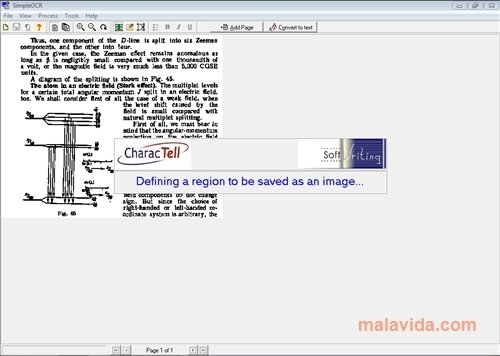
The software opens and shows a really complete tutorial, where it takes control of the mouse and with an example page it recreates all the necessary steps to pass a printed text document to digital format. Once the tutorial has finished (that can be stopped, logically), we can start to use the software.
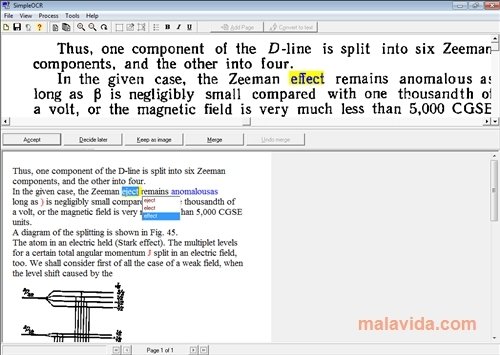
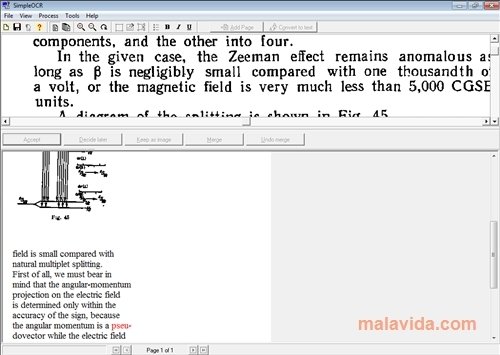
Like many other similar applications, SimpleOCR scans any document and immediately analyzes it to find in it all the texts and start transforming them to digital format. Once analyzed, it will present the text in a screen divided into two, with the original document on one side and the resulting digital text on the other, so that we can correct the words that it may have misinterpreted.
The program works efficiently and recognizes a wide range of words, so it can save us a lot of time if we need to pass lots of documents to a digital text format.
 Héctor Hernández
As a technology journalist with over 12 years of experience in the world of software and apps, I have had the opportunity to try all kinds of devices and operating systems over the years. I have done from software or mobile applications reviews...

Antony Peel